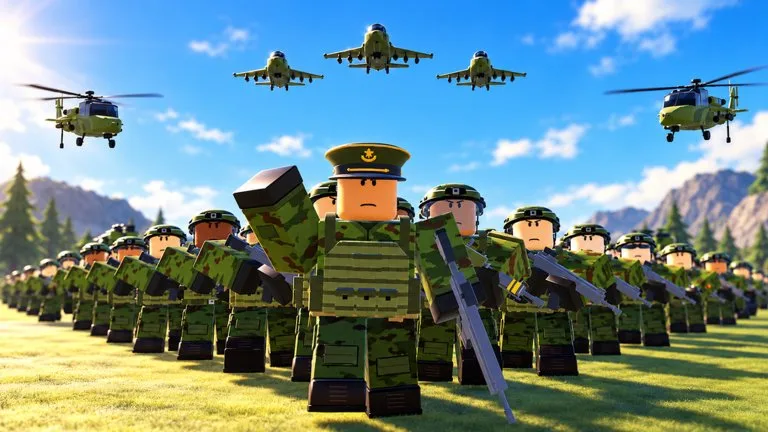
Families named in the official Army Commander Tycoon description and feature list. No individual model stats are published.
Infantry, tanks, artillery, helicopters, vehicles, and aircraft are the families the official description and feature list name. Individual models and stats are not published.
You start at a small military outpost. Build and upgrade the base, recruit troops, then send the army to a strategic point. Finished work is announced with lines such as Construction complete, Building ready, commander, and Upgrade complete. A capture is announced with Point secured or Objective taken. Good work, commander.
Are there any working codes?
No code string is confirmed. The official game description does not list a code, and the place of a code box in the current game is not confirmed. A string that is not posted on the Roblox game page or the sad builderboy community is not treated as active here.
How do I know a point capture worked?
Listen for Point secured or Objective taken. Good work, commander. You may not hear both lines for the same capture. A later warning that one of your points is under attack, followed by a line that you lost the point, means the point flipped back.
What should I do when the base is under attack?
Commander, our base is under attack and Hostiles at the wire. Defend the base are calls to defend the outpost. One of our points is under attack is a captured objective, not the base. Vehicle down means a vehicle was lost. It is a different event from losing a point.
Does a game pass name mean I receive that unit?
No. The public Roblox store list shows 33 pass names and Robux prices. It does not include the effect text. Open the pass in the store and read that text before you spend Robux. A vehicle-like name is only a label until the pass description says what it grants.
Is there an official unit tier list?
No stats, costs, or ranks are published for infantry, tanks, artillery, helicopters, vehicles, or aircraft. This wiki does not assign S to D ranks to those families.