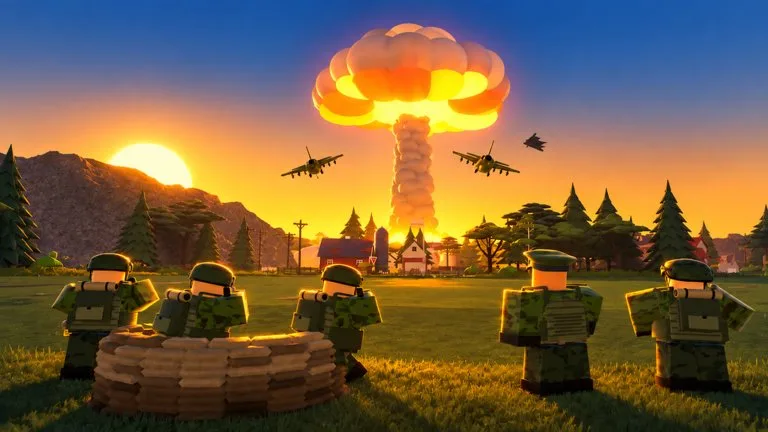
Army Commander Tycoon, by the Roblox group sad builderboy, starts you at a small military outpost. The official description frames the whole run as growing that outpost into a war machine: build and upgrade the base, recruit powerful troop types, unlock infantry, tanks, artillery, helicopters and more, send the army out to capture objectives, and earn more income as the army expands.
Nothing in that description hands you a finished army, a map of named points, or a numbered level gate. The outpost is the seed. The base, the troops, and the points you hold are things you build, recruit, or capture.
What to do in the opening
- Build and upgrade the military base. Construction and upgrades are what turn the outpost into a working base.
- Recruit troop types before you spend on the heaviest unlocks. Infantry is the first family the unlock sentence names.
- Unlock tanks, vehicles, and aircraft as the force grows. Those are a separate unlock line from the troops you recruit.
- Send the army to a strategic point. Capture is how the map expands.
- Keep cash moving into the next build. The official line ties extra income to a larger army, not to a published percent bonus.
Servers hold 8 players. The public game page rates the experience as mild violence and lists voice chat and camera as not supported.
Lines that mean you are progressing
An announcer talks over play. These progress lines were heard in recorded sessions:
| Line | What it confirms |
|---|---|
| Construction complete | A construction job finished |
| Building ready, commander | A construction job finished |
| Upgrade complete | An upgrade finished |
| Point secured | A capture completed |
| Objective taken. Good work, commander. | A capture completed |
You may not hear both capture lines for the same point. Treat either secured or taken, after you sent the army, as the confirmation. If you are unsure whether a build finished, wait for the construction or upgrade line instead of buying the same project again.
Lines that mean stop pushing
Attack lines change the job. Commander, our base is under attack and Hostiles at the wire. Defend the base mean the fight is at the outpost. We've lost a point, commander means a capture was undone. We just lost a vehicle means a vehicle is gone, which is not the same as losing the point.
Pull back when the base callouts play. A lost point removes ground you already took, and the income notes below depend on a point you still hold.
What is not published
No cash prices, building names, or unit stats are in the official description. Do not treat a store pass name as the next free unlock. Read Income and oil before you grind one activity, Capture points before a push, and Store passes before any Robux purchase. The force names live under Force families.